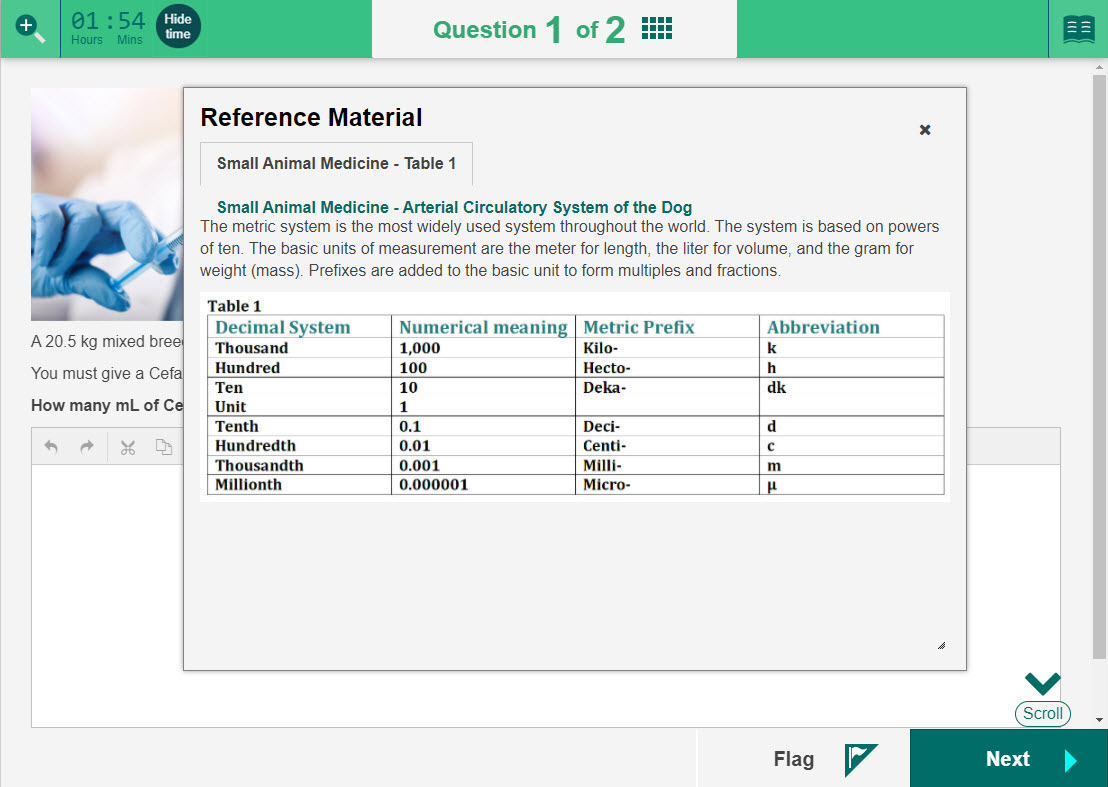
Reference material
Reference materials are stimuli resources attached to a test section, rather than to a single question. They are useful in the situation where a common resource is required across all the questions in a test section, such as a formula sheet or periodic table.
Candidates open reference materials by selecting the Book icon.
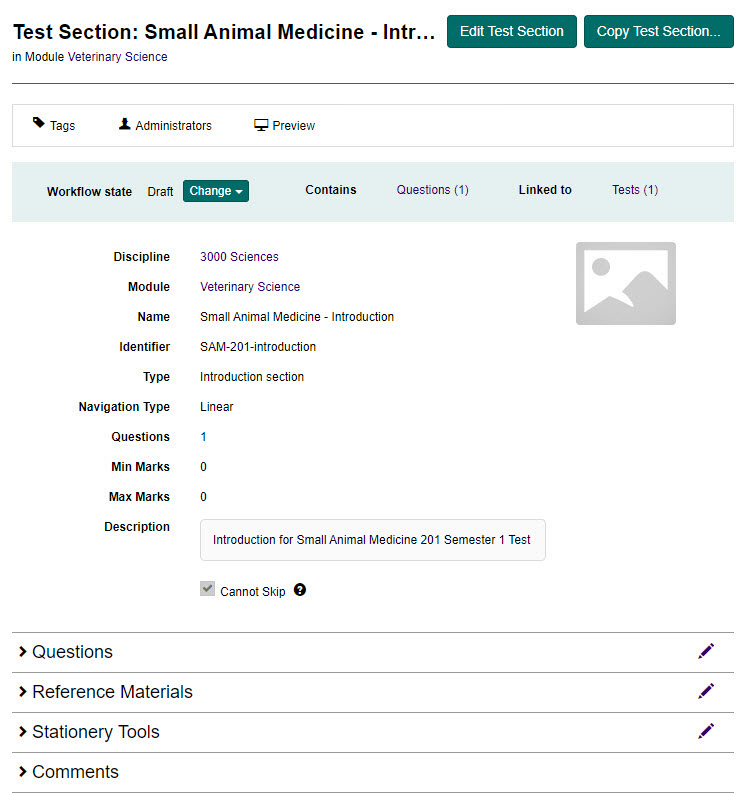
Enable reference material
Reference materials must be enabled as a one-off configuration per site.
Important
Only an Administrator will be able to access these settings.
To enable reference material:
- Go to Settings > Test Designer Settings.
- Select the Test Section Options expandable section.
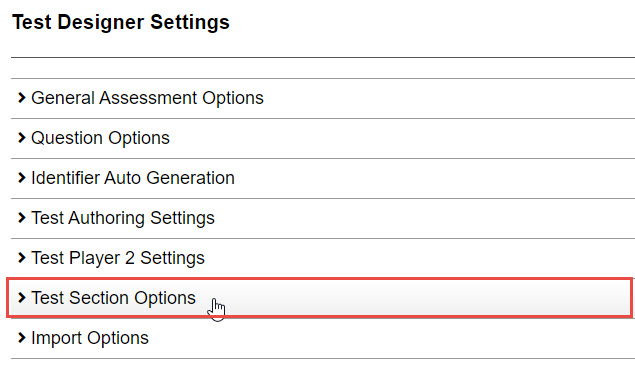
- Select the Enable Reference Materials for test sections checkbox.

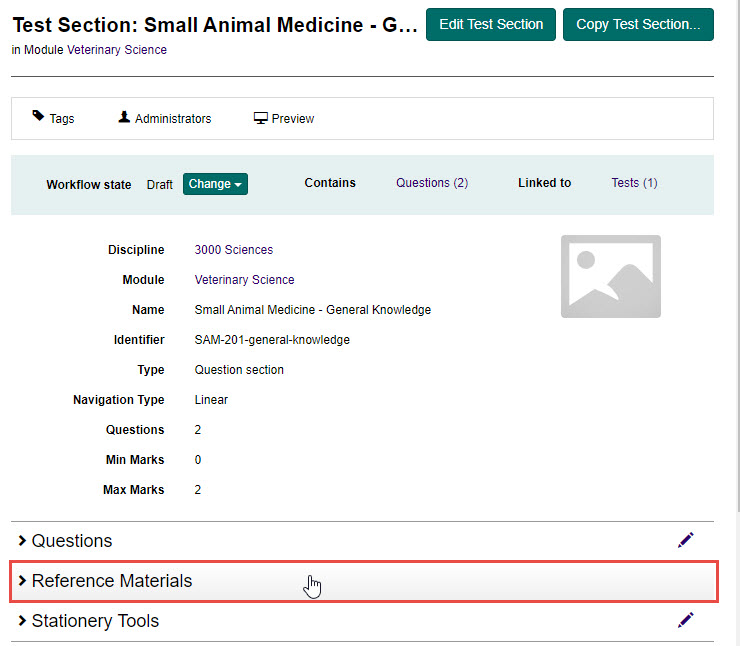
When this setting is checked, the Reference Materials expandable section displays on the Test Section Details page.

Add reference material
Reference material has to be created before it can be added to a test section.
Tip
To learn how to create stimuli which can be added as reference material for candidates, see the Stimuli section.
To add reference material:
- Open the required test section, then select the Edit icon next to the Reference Materials expandable section.

-
Complete the following:
- Select an option to display the reference material in the Test Player from the Show Reference Material In drop-down. Select the ? icon for more information on these options.
- Select a navigation option for the stimulus from the Reference material navigation options drop-down. Select the ? icon for more information on these options.
- Select an existing stimulus from the Add an existing Stimulus drop-down, then select the + icon to add it. Repeat for all the stimuli you wish to add. As you add them, they will display below.
Tip
Once added you can use the icons in the Actions column to perform the following actions:
- Preview – To preview the stimuli
- Reorder – To change the order of the stimuli
- Delete – To remove the stimuli from the reference material

- Select the Save Reference Materials button to save.
Preview reference material
You can preview how the reference material within a test section will look to candidates by selecting Preview.

Select the Book icon to open the reference material.