Stationery tools
Stationery tools display at the top of the Test Player and provide candidates with common items they may need to complete the test.

Stationery tools are added to a test section. If you require different tools for different questions, this can be managed by creating new sections as required.
Stationery tool types
Question flagging
Candidates can use the flag button to mark a question for attention. Once flagged, they have the option to unflag the question.
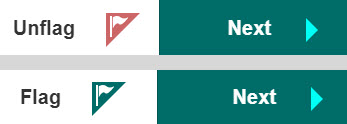
This can be used in non linear tests where candidates are free to move backwards. Flagged questions display on the Progress summary screen with a flag. Candidates can quickly navigate to these questions by clicking on it.

Ruler
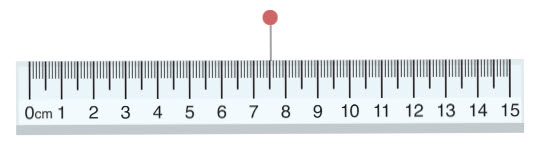
Candidates can move the ruler by dragging it to the required location and rotate it by selecting the red circle.
Protractor
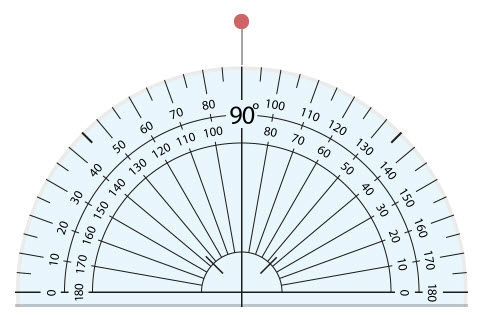
Candidates can move the protractor by dragging it to the required location and rotate it by selecting the red circle.
Calculator
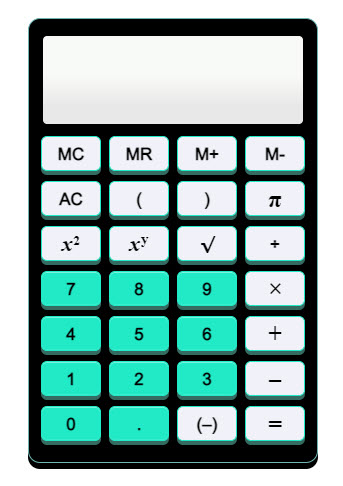
Candidates can use their keyboard or mouse to use the calculator.
Notepad
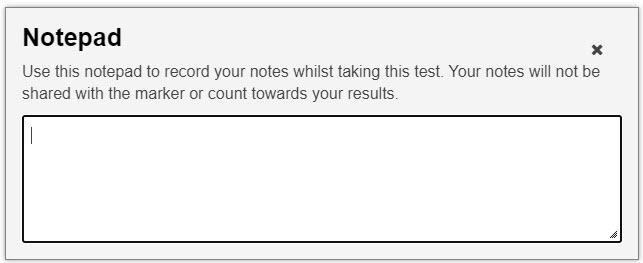
Candidates can use the notepad to record notes whilst taking the test. These are not submitted with the test.
Enable stationery tools
- Open the required test section, then select the Edit icon next to the Stationery Tools expandable section.

- 2. Select the stationery tools you would like to make available to candidates in the Test Player.
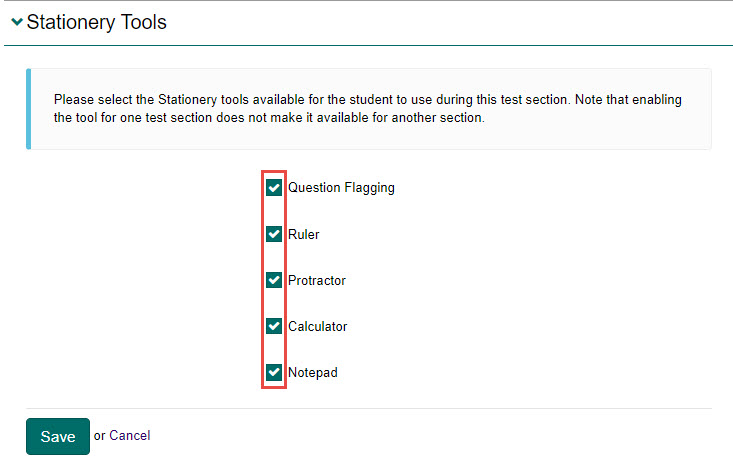
- Select the Save button to save.