Instruction
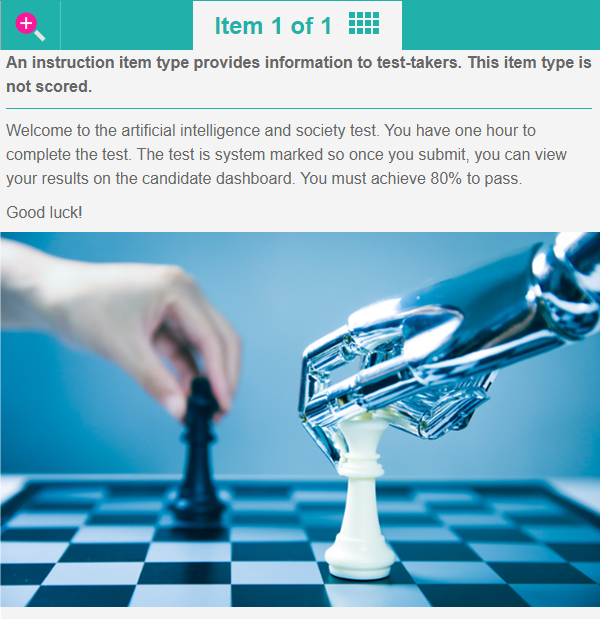
Instruction item types provide instruction and information to test-takers. This item type is not scored.
Create an instruction item
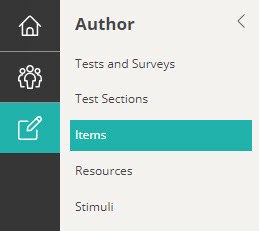
Navigate to Author > Items.
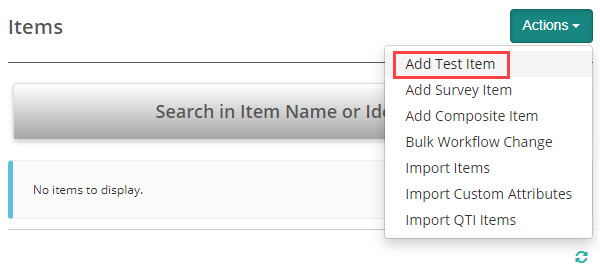
Select Add Test Item from the Actions drop-down.
The New Test Item screen displays.
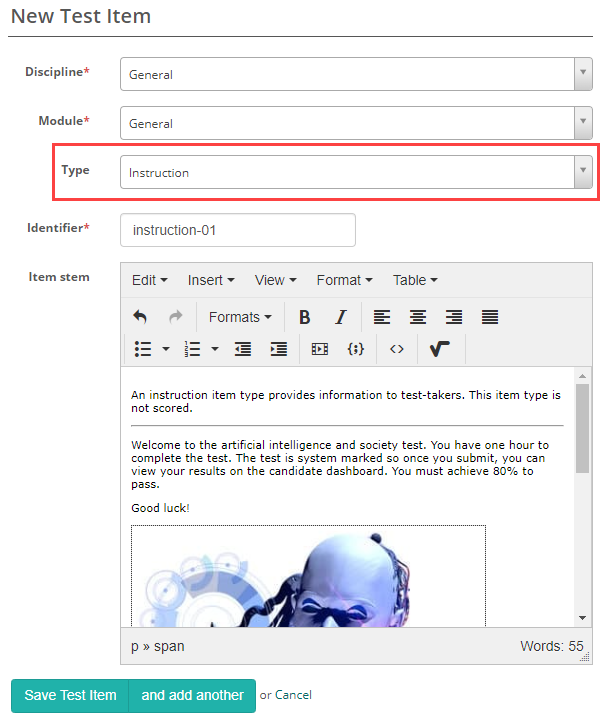
Complete the form as required. Below is an example of an new item we created.
Select Instruction as the item Type.
Enter the Item Stem and Save Test Item.